10 Must-Have Travel Gadgets for Off-the-Grid Hiking and City Exploring

Maya Lin
Maya Lin is a travel journalist and outdoor enthusiast who believes the best trips combine rugged adventures with urban comforts. After spending six years backpacking across four continents, she founded Trail & Town Guide to help fellow travelers navigate both hidden mountain passes and bustling city neighborhoods with confidence.
I love trips that start with a sunrise hike and end with a hot shower and a good espresso in a new neighborhood. The problem is that the gear that works in the backcountry does not always play nicely with city life and the gadgets that thrive in cafés can fall apart on a windy ridge.
Below are 10 travel gadgets I actually reach for when I am bouncing between off-the-grid trails and city exploring. Each one is here because it solves a real problem: staying powered, navigating offline, protecting your data, and keeping small essentials from turning into a backpack scavenger hunt.

Quick buying checklist
If you only have two minutes before you leave for the airport, prioritize these specs.
- Power: 20,000 mAh power bank minimum, plus a compact multi-port wall charger.
- Navigation: offline maps on your phone, plus a satellite messenger (or handheld GPS) for remote hikes.
- Adaptability: a universal travel adapter with USB-C and reputable safety certifications.
- Durability: water resistance where it matters, and cables that do not fray after one week.
- Security: a hardware 2FA key and privacy protections for public Wi-Fi.
1) Rugged high-capacity power bank (20,000 to 30,000 mAh)
This is the anchor gadget for a hybrid trail and town trip. A tough, high-capacity power bank keeps your phone alive for offline maps, photos, transit tickets, and emergency calls, even when you are camping or stuck on a long bus ride with zero outlets.
Key specs
- 20,000 mAh+ for multi-day coverage (often). Quick rule of thumb: a typical 4,000 to 5,000 mAh phone gets roughly 3 to 4 full charges from a 20,000 mAh bank once you account for conversion losses and real-world use.
- USB-C Power Delivery (PD) so it can fast-charge modern phones and many tablets.
- Rugged build with grippy edges and a casing that can take drops.
- Multiple ports if you travel with a partner or need to top up headphones and a phone at once.
Trail tip: Keep it in an inner pocket on cold days. Batteries drain faster in low temperatures.
Flight note: Power banks must go in your carry-on. Airline limits vary, but 100Wh is a common cutoff without special approval. Many 20,000 mAh banks sit under that limit, but check the Wh rating on your specific model.
2) Compact GaN wall charger (multi-port)
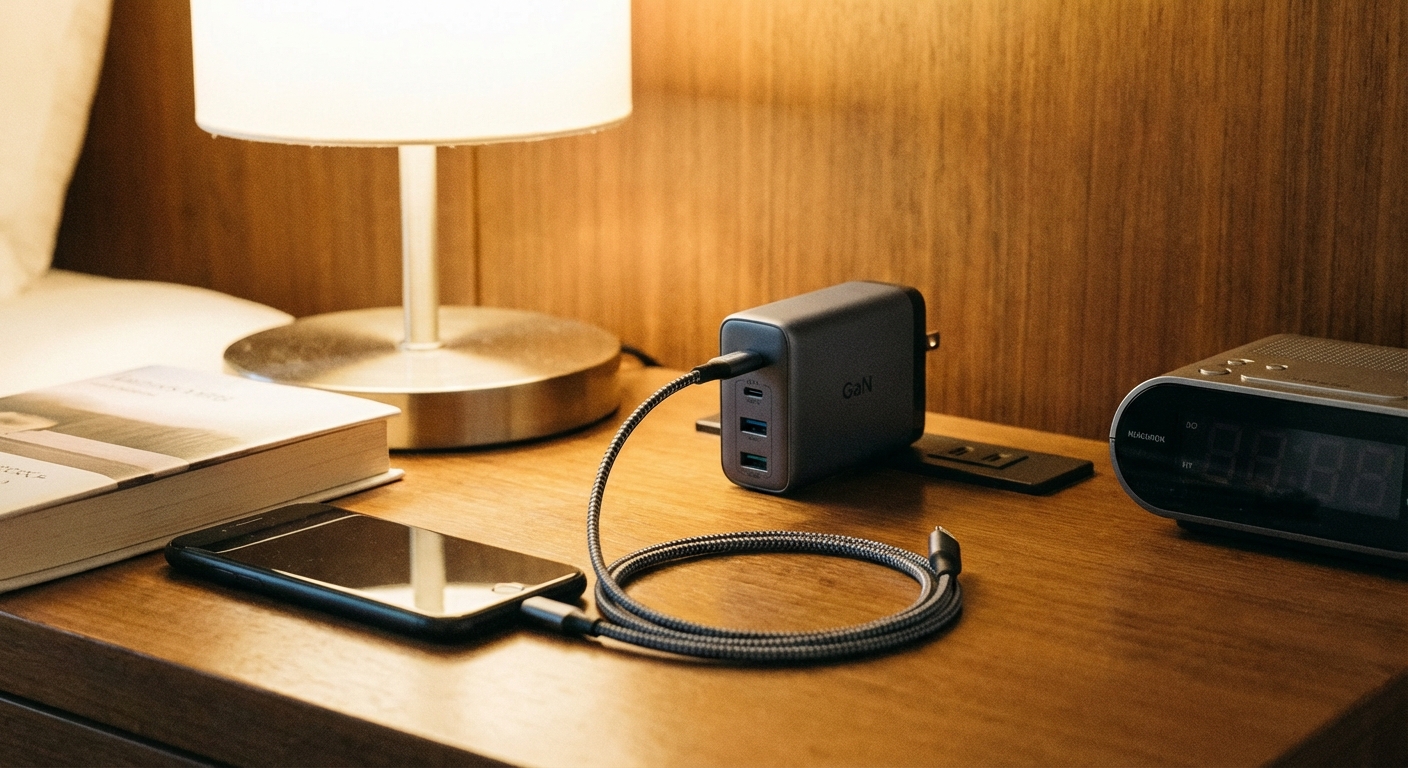
In cities, your wall charger becomes your nightly reset button. Gallium nitride (GaN) chargers are smaller than old bricks but can still deliver fast USB-C charging. One compact charger can replace the separate ones for your phone, camera battery, and tablet.
Key specs
- 45W+ for phones, tablets, and many ultrabooks. If you want broad laptop coverage, aim for 65W to 100W.
- 2 to 4 ports including USB-C.
- Foldable prongs for carry-on only packing.
3) Universal travel adapter with USB-C and surge protection
If you have ever bought a flimsy adapter at an airport kiosk and watched it wobble in the socket like a loose tooth, you already know why this matters. A solid universal adapter makes city hopping easy, and some models add surge protection for an extra layer of defense in older buildings.
Don’t skip
- All-in-one country coverage for the regions you are visiting.
- USB-C ports plus at least one USB-A for older cables.
- Reputable certification and brand (surge protection varies a lot across travel adapters).
- Snug fit with minimal wobble.
Reality check: Most travel adapters do not convert voltage. If you travel with devices that are not dual voltage, you may need a voltage converter.
4) Satellite messenger (two-way messaging plus SOS)
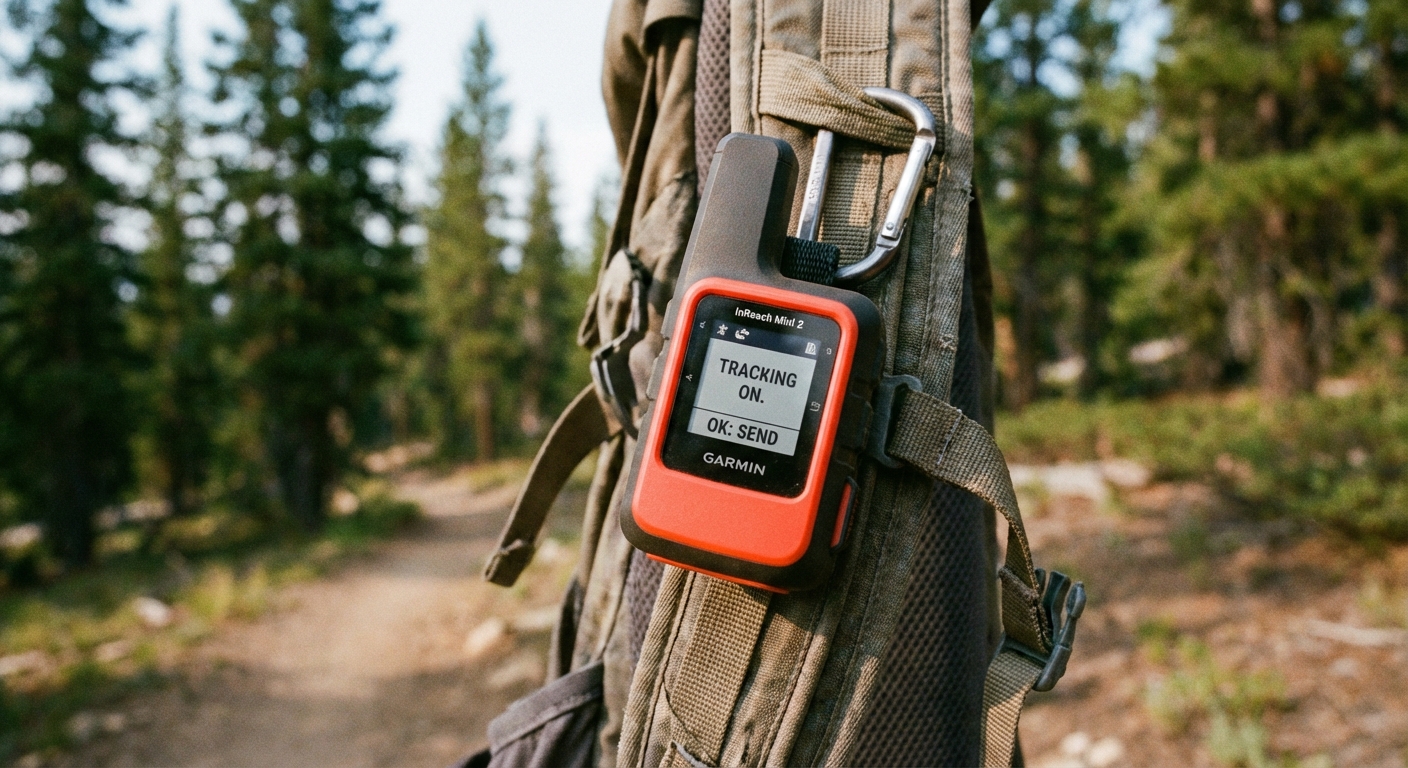
If you regularly hike where there is no cell service, a satellite messenger is the single most confidence-boosting gadget you can carry. It lets you check in with family, update plans if weather changes, and trigger SOS if you have a true emergency.
What matters
- Two-way messaging so you can explain what is happening, not just hit an SOS button.
- Reliable satellite network with coverage where you will hike (and realistic expectations in steep terrain or dense forest).
- Long battery life and easy recharging via USB-C if possible.
- Simple interface you can use with cold fingers.
Practical note: Two-way messaging and SOS require an active subscription on most devices. Check coverage maps before you commit.
How I use it: I set a nightly check-in message when camping, then keep it off the rest of the time to conserve battery. It has saved me a lot of back-and-forth when a trailhead pickup time shifted.
5) Offline navigation setup (phone maps plus a backup)
Your phone is an excellent GPS device, until it is not. I treat offline navigation as a system: download maps on your phone, then carry a backup that does not depend on your phone’s battery, screen, or general fragility.
Key specs
- Offline map app that allows regional downloads and saved pins.
- Battery-aware settings like airplane mode and low power mode.
- Backup option such as a handheld GPS or printed map for remote routes.
City bonus: Offline maps are also great in subway stations and in countries where you would rather not burn through data just to find a bakery.
6) Headlamp with a red-light mode (USB rechargeable)
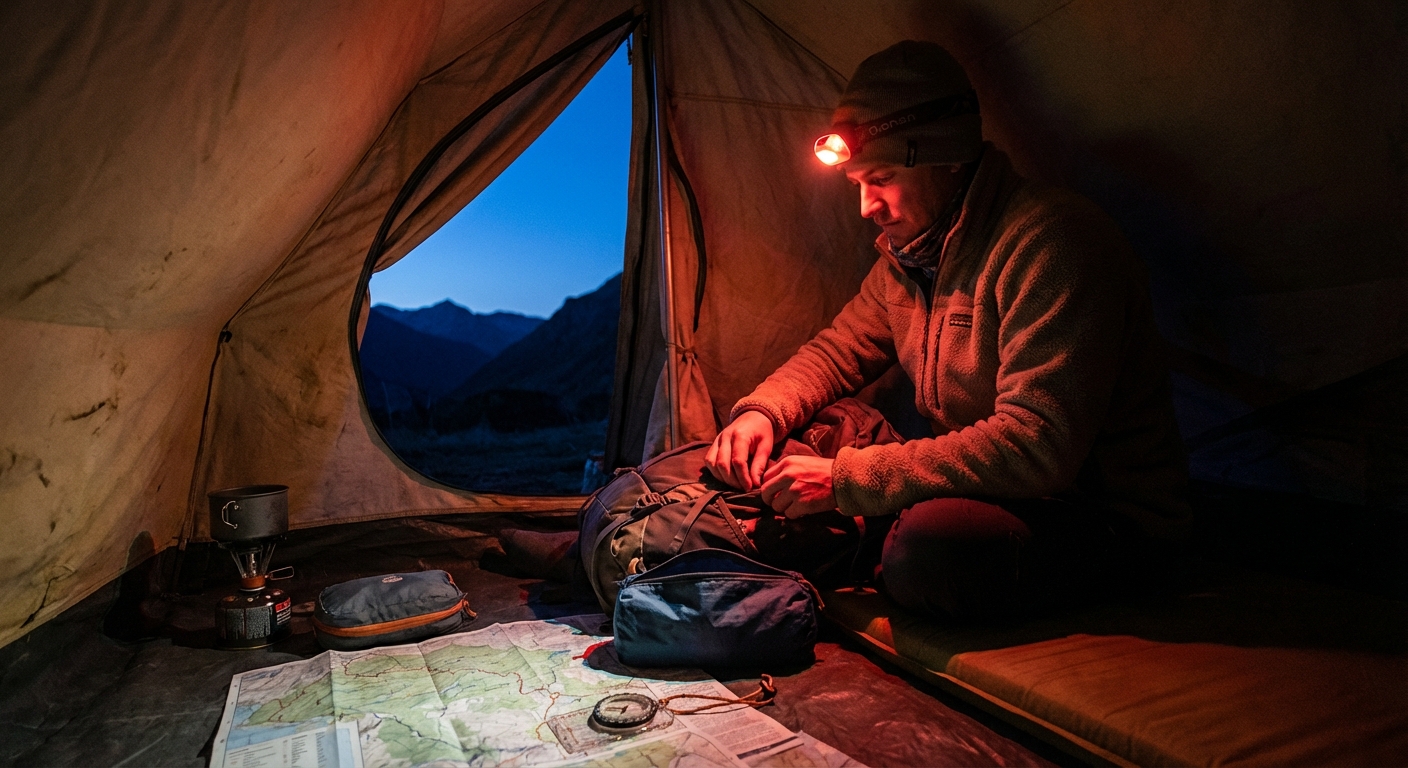
A headlamp sounds like pure hiking gear, but it quietly becomes useful in cities too. Think: power outages, late-night hostel dorms, and rummaging in your pack without waking everyone up. Red light mode helps preserve night vision (especially at lower brightness) and is kinder to tentmates and roommates.
What to look for
- Red-light mode plus a lockout feature so it does not turn on in your bag.
- USB rechargeable to avoid hunting for specialty batteries.
- Comfortable strap that does not give you a headache.
7) Noise-canceling earbuds (with transparency mode)
I consider this both a comfort gadget and a sanity tool. Noise-canceling makes flights and buses more bearable, while transparency mode helps you stay aware crossing busy streets or ordering coffee without removing your earbuds.
What to look for
- Strong active noise-canceling for transit.
- Transparency mode for city awareness.
- Good microphone if you take calls on the move.
- USB-C charging case for simpler cable management.
Trail note: Keep volume low on shared trails. In many places, it is safer and more courteous to hear bikes, runners, and wildlife.
8) Lightweight tripod or grip for phone photos
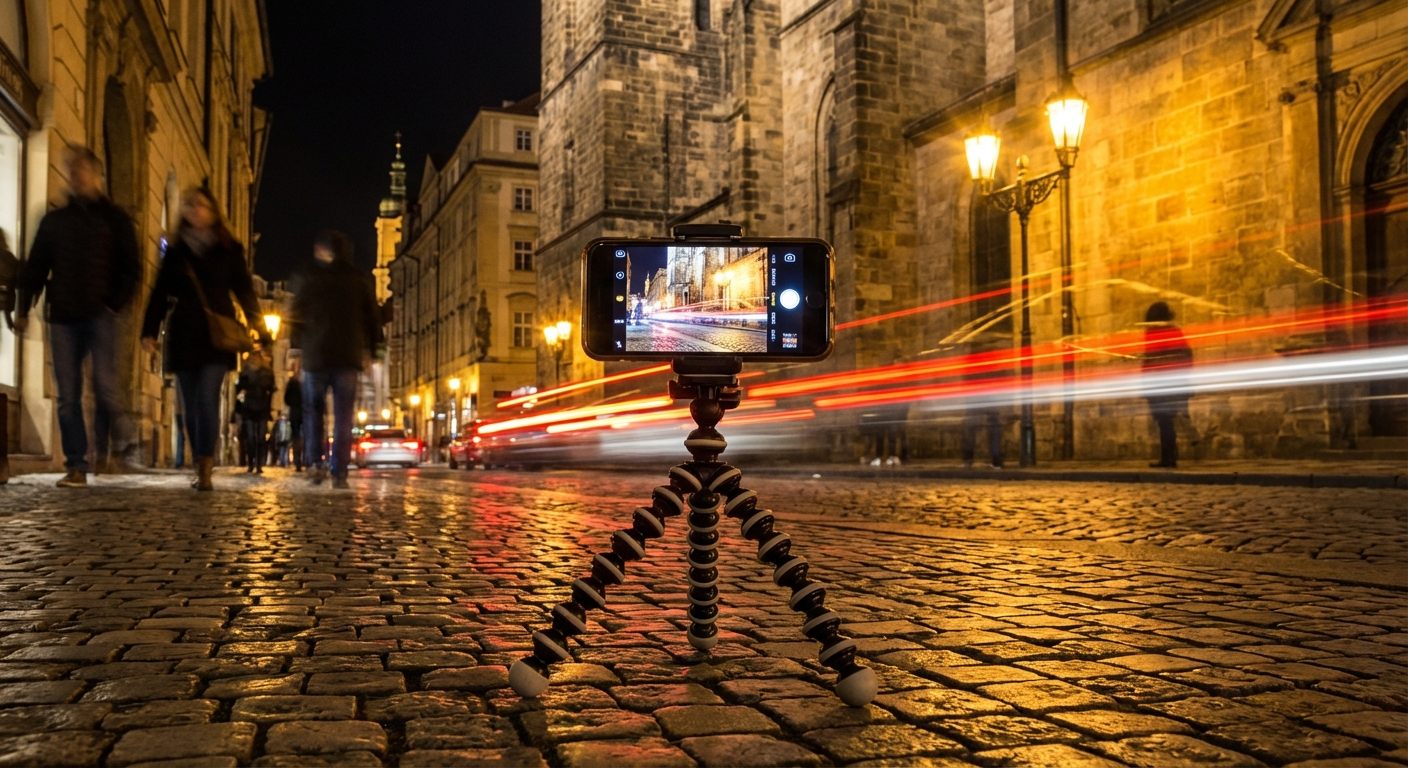
If you want better photos without hauling a full camera setup, a small tripod or phone grip is a surprisingly high-return gadget. It helps with low-light city shots, time-lapses, and self-timers on windy viewpoints where balancing your phone on a rock turns into a comedy sketch.
What to look for
- Lightweight and packable with a secure phone mount.
- Stable legs that can handle uneven ground.
- Bluetooth remote for easy self-timers.
9) Cable and SIM organizer (tiny pouch, big peace)
This is my most unglamorous recommendation and maybe the one that saves the most time. A slim organizer keeps your USB-C cable, short backup cable, SIM tool, spare SIM or eSIM activation details, microSD cards, and adapters from disappearing into the bottomless pit of your daypack.
What to look for
- Flat profile that fits in a sling or jacket pocket.
- Elastic loops for cables and a small zip pocket for tiny parts.
- Water-resistant fabric if you travel in wet climates.
Carry-on only trick: Pack one longer cable for hotel rooms and one short cable for power bank charging on the go. This pouch is also where I keep my tiny USB-C to USB-A adapter so I am not buying replacements in random convenience stores.
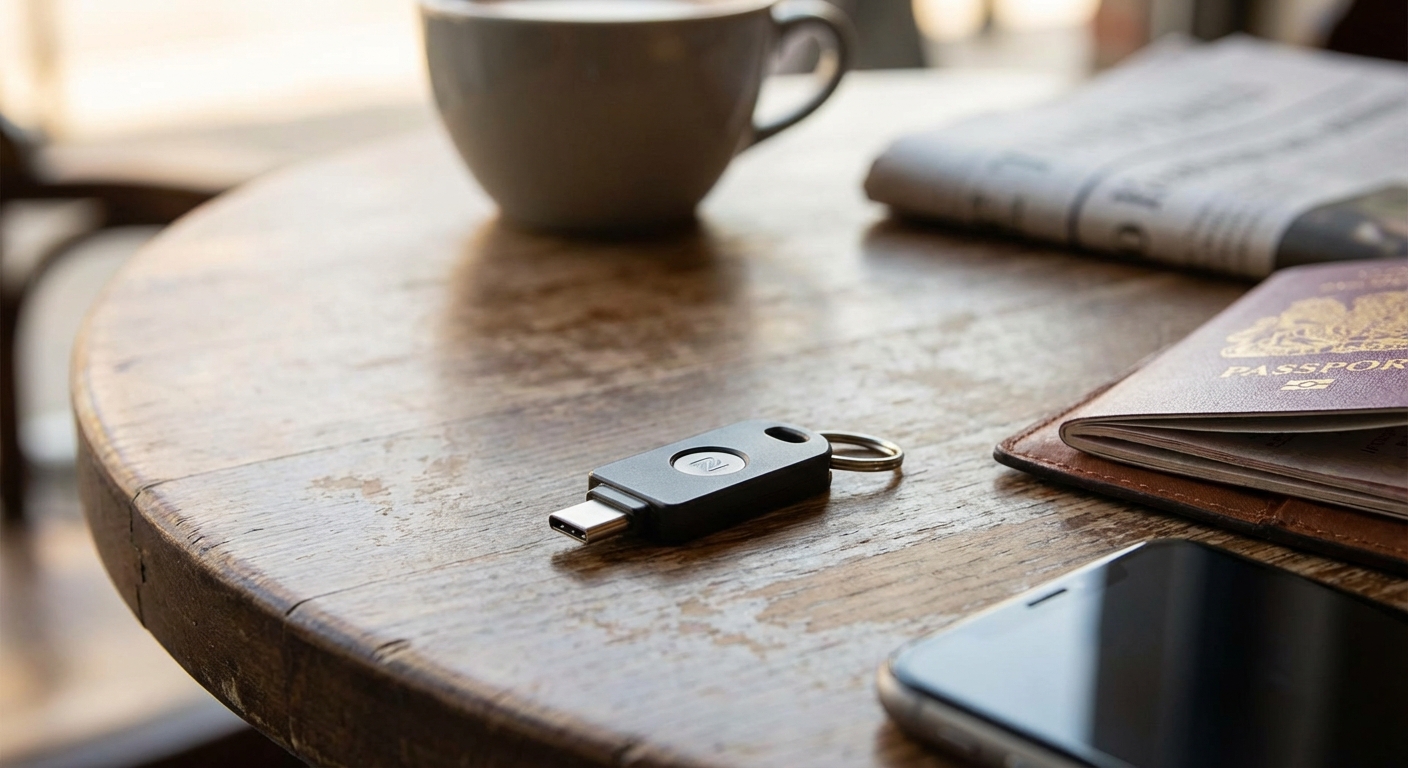
10) Hardware security key (2FA) for safer logins
Public Wi-Fi is convenient and occasionally sketchy. A hardware security key adds a strong layer of protection for key accounts like email, your password manager, cloud storage, and any services that support security keys (some financial institutions do, many do not). If you travel long-term, it is one of those quiet upgrades you will appreciate the first time something feels off.
What to look for
- USB-C and NFC support so it works with phones and laptops.
- Compatibility with your main accounts and password manager.
- Backup plan such as a second key stored separately.
Practical note: Set this up at home, not mid-trip. Test it before you fly.
My hybrid packing rule: fewer gadgets, better ones
I am a carry-on only traveler for a reason. The goal is not to bring every shiny device, it is to bring a small set of reliable tools that work across environments. If you are deciding what to buy first, start with a rugged power bank, a solid wall charger, and an adapter. Then add navigation and safety based on how far off-grid your hikes really are.
Trail and town both reward preparation. The difference is that in town, inconvenience is annoying. In the backcountry, it can become dangerous.
Optional add-ons if you have space
- Mini power strip: helpful in older hotels with one outlet, less useful if your GaN charger has multiple ports.
- Waterproof phone pouch: nice for kayaking or monsoon seasons, not necessary for most city travel.
- Small dry bag for electronics: an easy way to keep your power bank, cables, and phone truly protected on wet hikes.
- E-reader: saves phone battery on long transit days and is kinder on your eyes at night.
If you want, tell me your destination and the rough split between hiking days and city days, and I will suggest the leanest setup that still covers your bases.